What is LectaMe?+
LectaMe is a Dutch digital learning environment for MBO and HBO. Teachers design and teach lessons, assignments and assessments there; students learn, practise and work on their learning goals and portfolio; workplace mentors guide and assess students in the workplace. AI supports preparation, practice and feedback, and the teacher stays in control.
Is LectaMe just a presentation tool?+
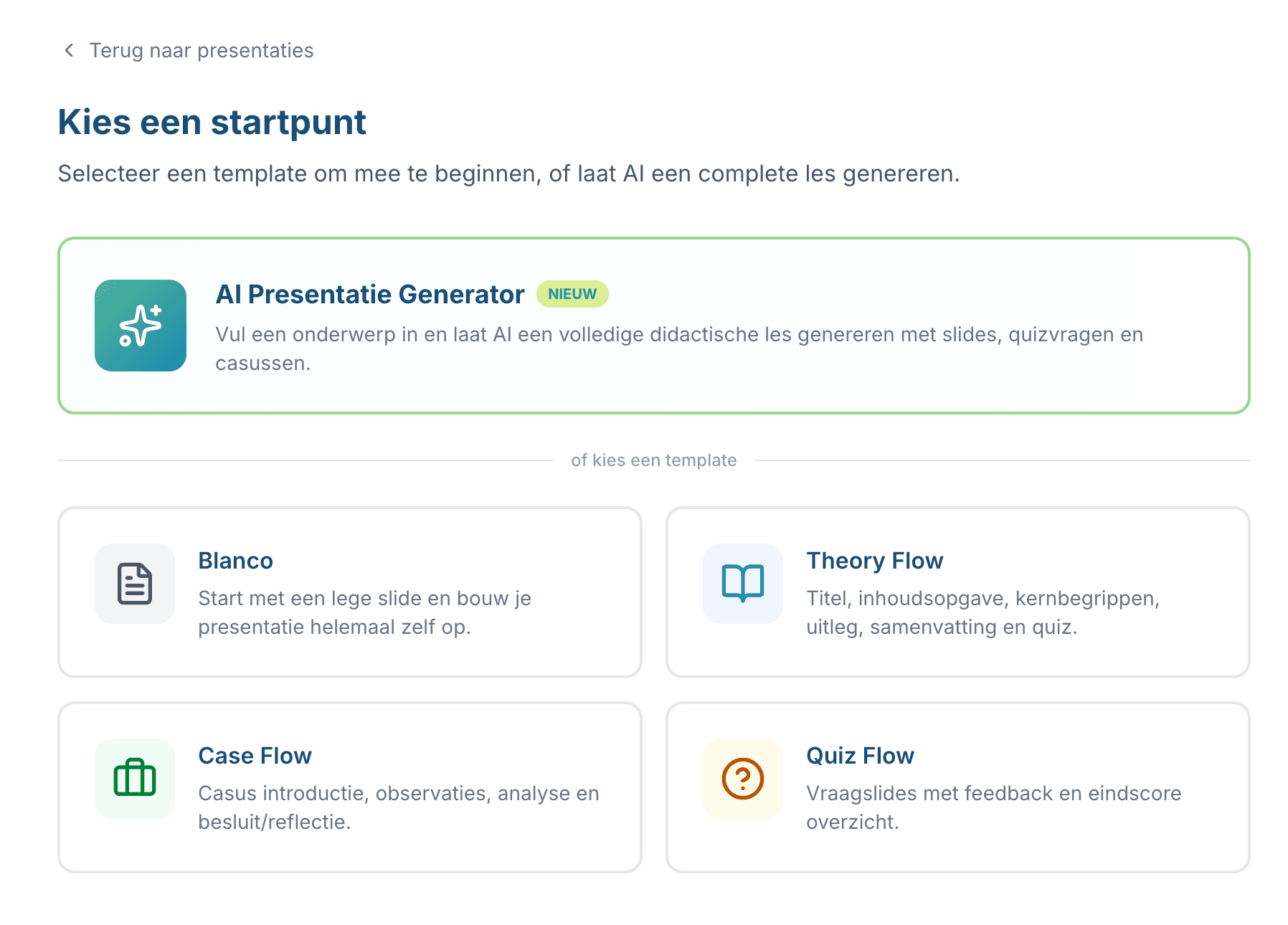
No. The Presentation studio is one part of LectaMe. LectaMe also supports independent learning and practice, digital assignments, assessments, learning goals and guidance, a student portfolio and work-based learning (BPV). Which parts a school uses is up to the school.
Who is LectaMe designed for?+
For teachers, students and workplace mentors in MBO and HBO. Teachers design lessons, assignments and assessments; students learn, practise and build their portfolio; workplace mentors guide and assess in the workplace. The Presentation studio is also used by trainers.
Is LectaMe an LMS?+
Not in the traditional sense. LectaMe has no course enrolment, no official grade records and no link with the student records system. It's a digital learning environment for the learning process itself: lessons, practice, assignments, assessments, feedback, learning goals, portfolio and workplace learning. Schools use it alongside their existing systems.
Does a student need an account?+
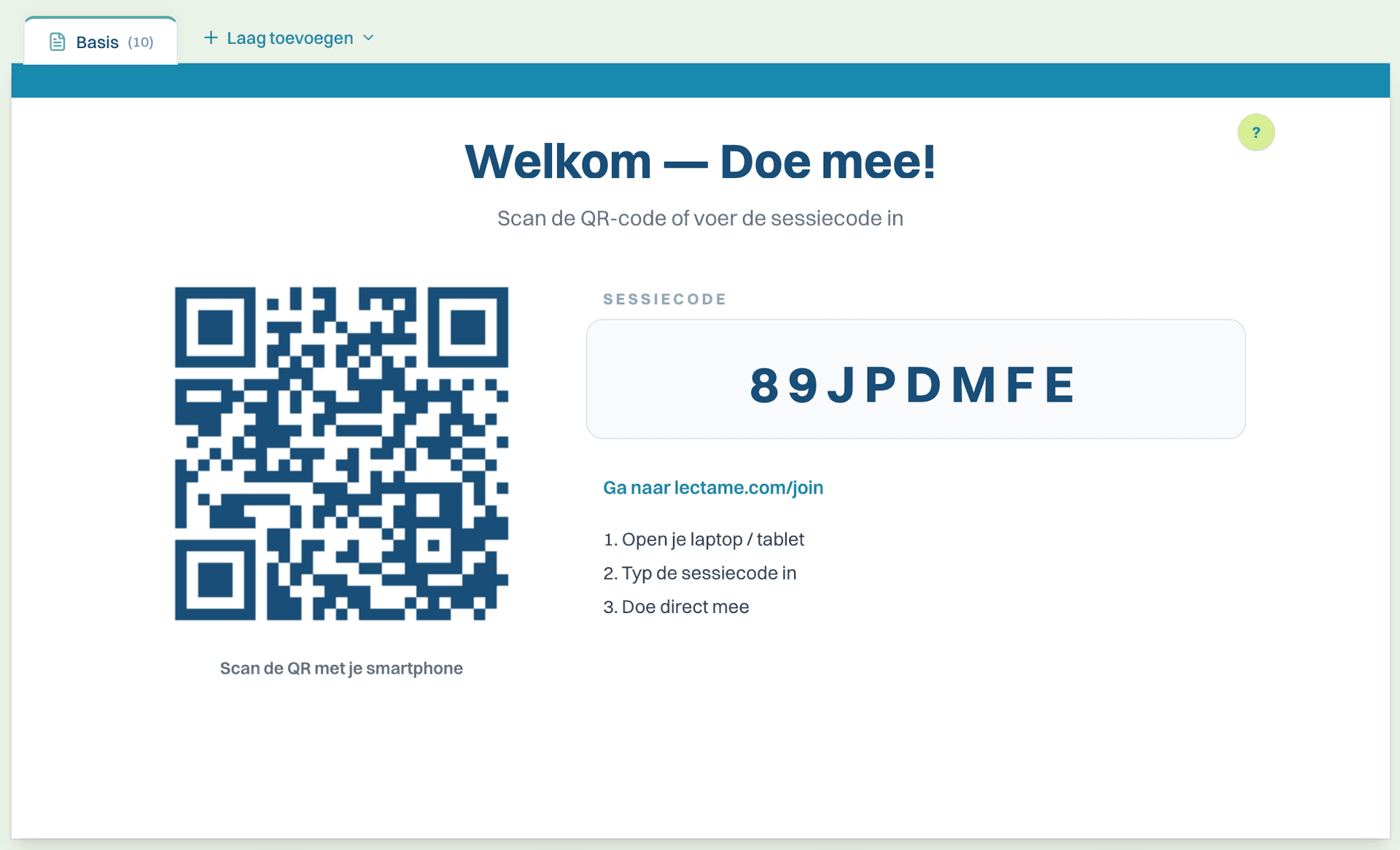
Not to join a live lesson: a session code or QR code is enough, no app or email address needed. Homework links, and assignments and assessments where the teacher allows it, also work without an account. For parts that track your development over a longer period, such as learning goals, portfolio and practice progress, an account is needed.
Can you create assignments and assessments in LectaMe?+
Yes. With Assignments you create digital assignments that students submit and that you mark with rubrics and feedback per question. In the Assessment Studio you put together assessments from a question bank, administer them in the browser and analyse the results. Closed questions are marked automatically.
Does LectaMe have a portfolio and can you use it for the work placement (BPV)?+
Yes. Students collect evidence and reflections in their portfolio and link them to their learning goals. In the practice environment, workplace mentors record observations, feedback, placement hours and assessments for the same student who's learning at school.
How does LectaMe use AI?+
AI helps prepare lessons, suggests draft questions, flashcards and feedback, helps students phrase their learning goals and plays the conversation partner in the Conversation Trainer. For practice questions, AI gives students immediate feedback. Official assessments, such as the result of an assignment, test or workplace assessment, are decided by teachers and workplace mentors.
Is LectaMe free?+
You can use LectaMe for free. You get 25 credits a month, enough for around 8 AI-generated lessons, and you can save up to 6 presentations. No credit card is needed. For heavier use and for schools there are paid plans.
Is LectaMe GDPR-compliant?+
Yes. Data is stored on our own servers in the Netherlands and AI services don't use your data to train models. Students who join live don't provide any personal data, and LectaMe never contacts students directly. Analytics cookies are only placed with consent.