Everything you need for better lessons
LectaMe combines AI generation, a powerful editor and live interaction. Designed for active learning in higher and vocational education, with layered teaching, constructive alignment and blended learning as the didactic foundation.
Design active learning with AI in seconds
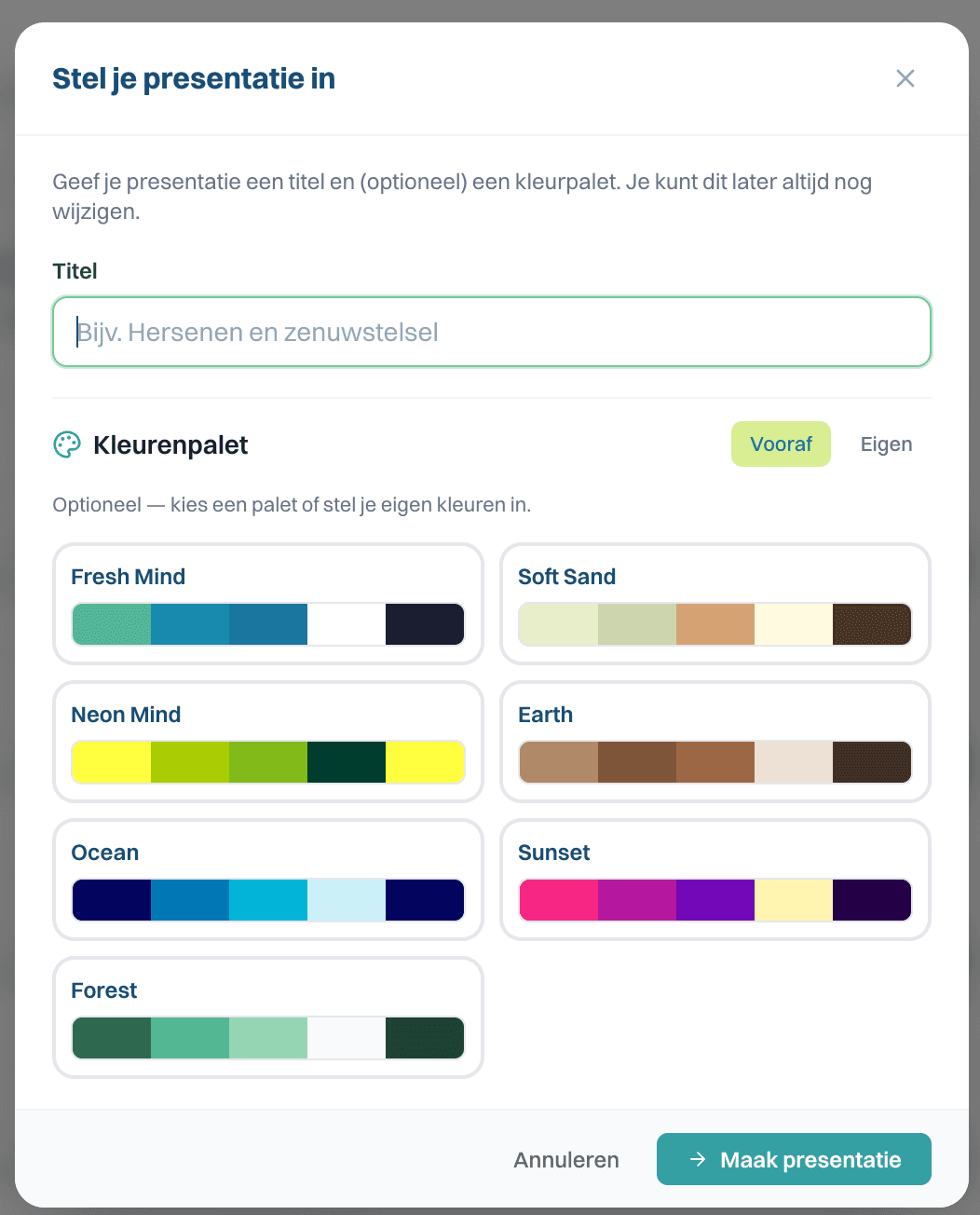
Enter a topic, target audience and level. LectaMe automatically generates a complete presentation using constructive alignment: learning objectives, theory, activating work formats, quiz questions, case studies and summaries.
- Theory Flow — knowledge transfer with explanations, examples, and quiz
- Case Flow — case-based learning with analysis and reflection
- Quiz Flow — interactive assessment with score overview
- Supports Dutch and English
- Adjustable tone: formal, simple, or motivating
Customise everything in the visual editor
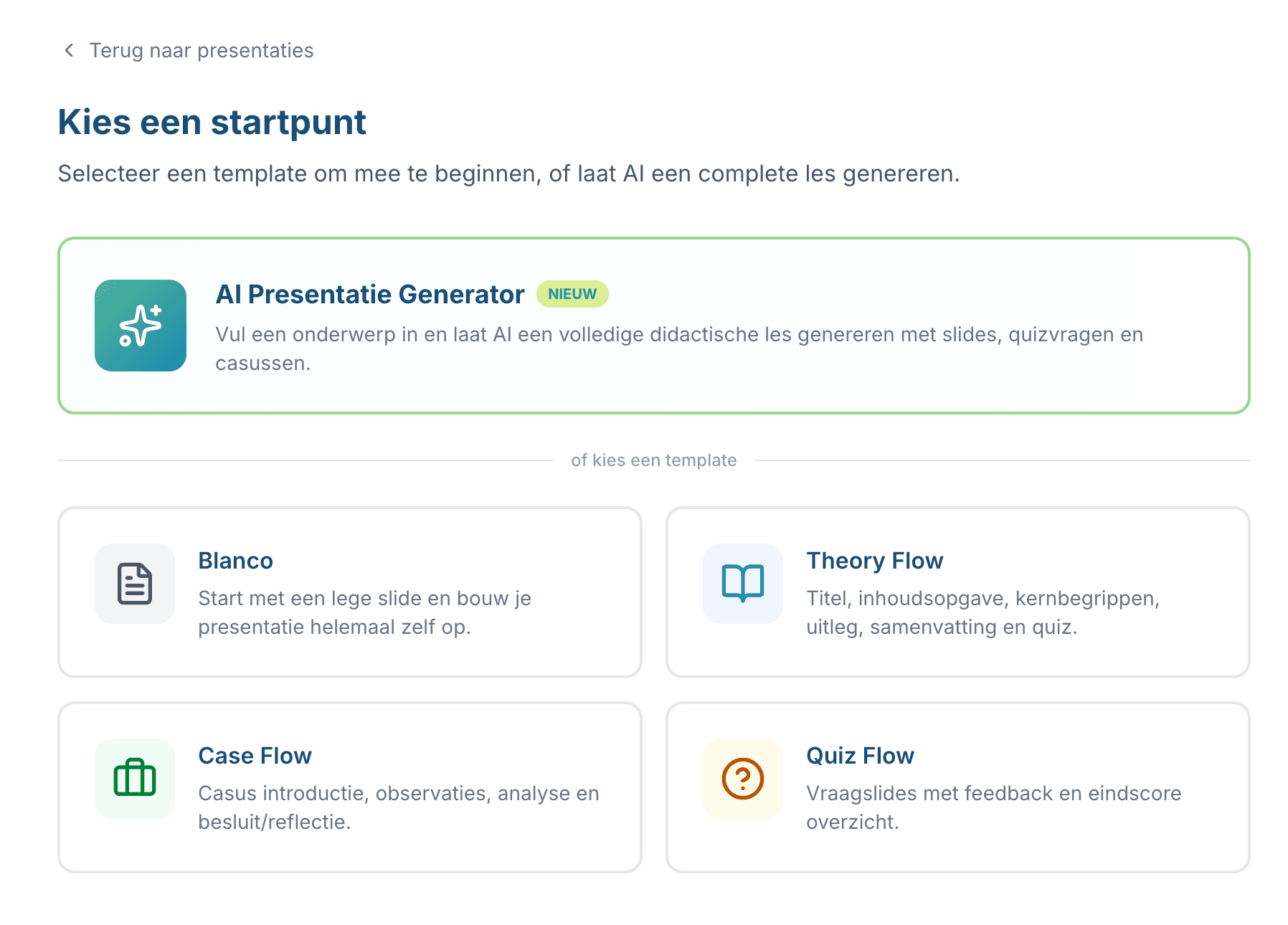
Every AI-generated lesson is fully editable. Add text, images, shapes, and quiz questions with drag and drop.
- Drag-and-drop elements on a 960×540px canvas
- Text, images, shapes, tables, callouts
- Snap-to-grid and alignment for professional slides
- Autosave to the cloud — never lose your work
- Import PowerPoint files
Activating work formats during lectures and workshops
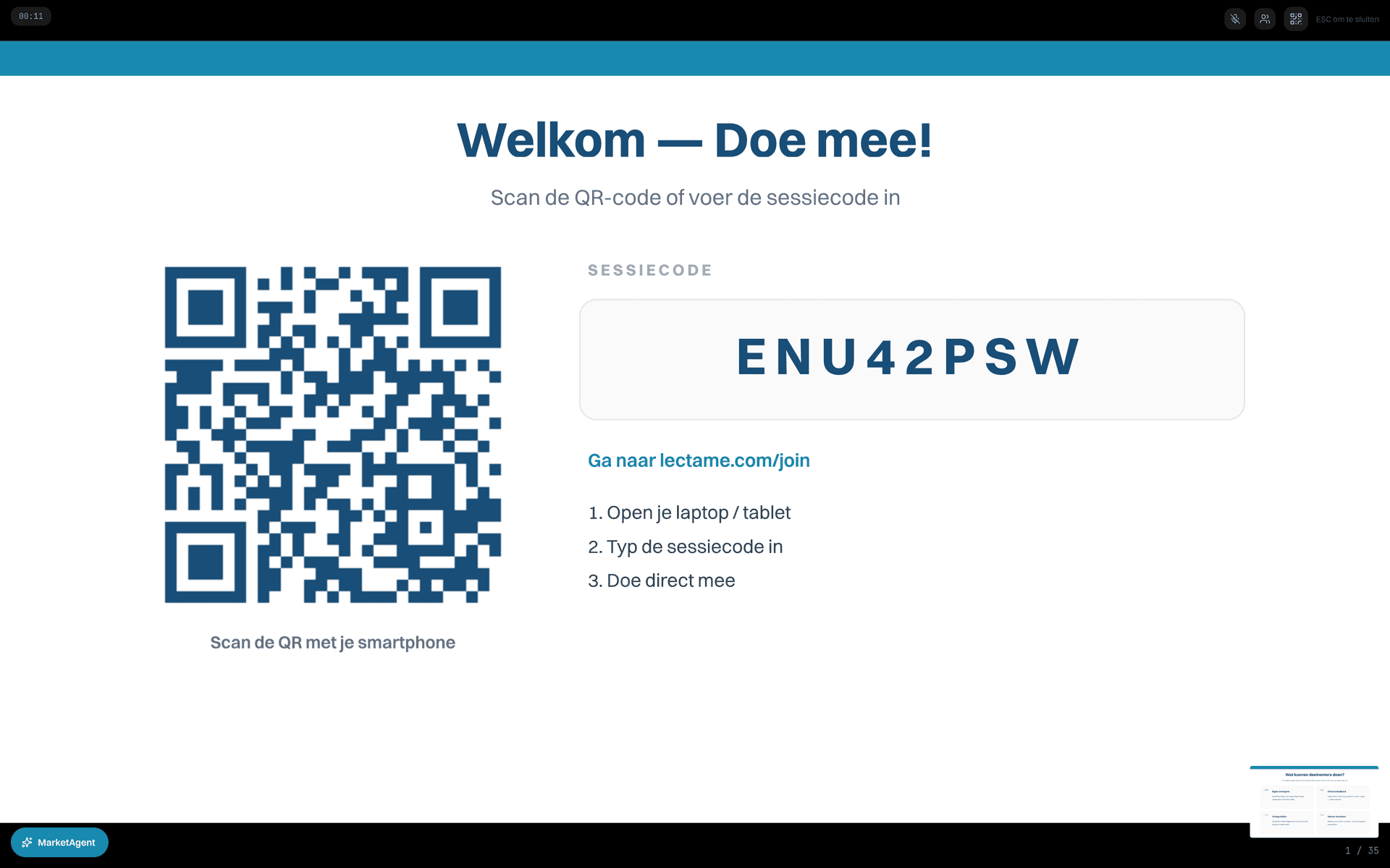
Share your presentation via a session code. Students join on their phone or laptop — no account, no app.
- Students join via an 8-digit code
- No student account needed — low barrier
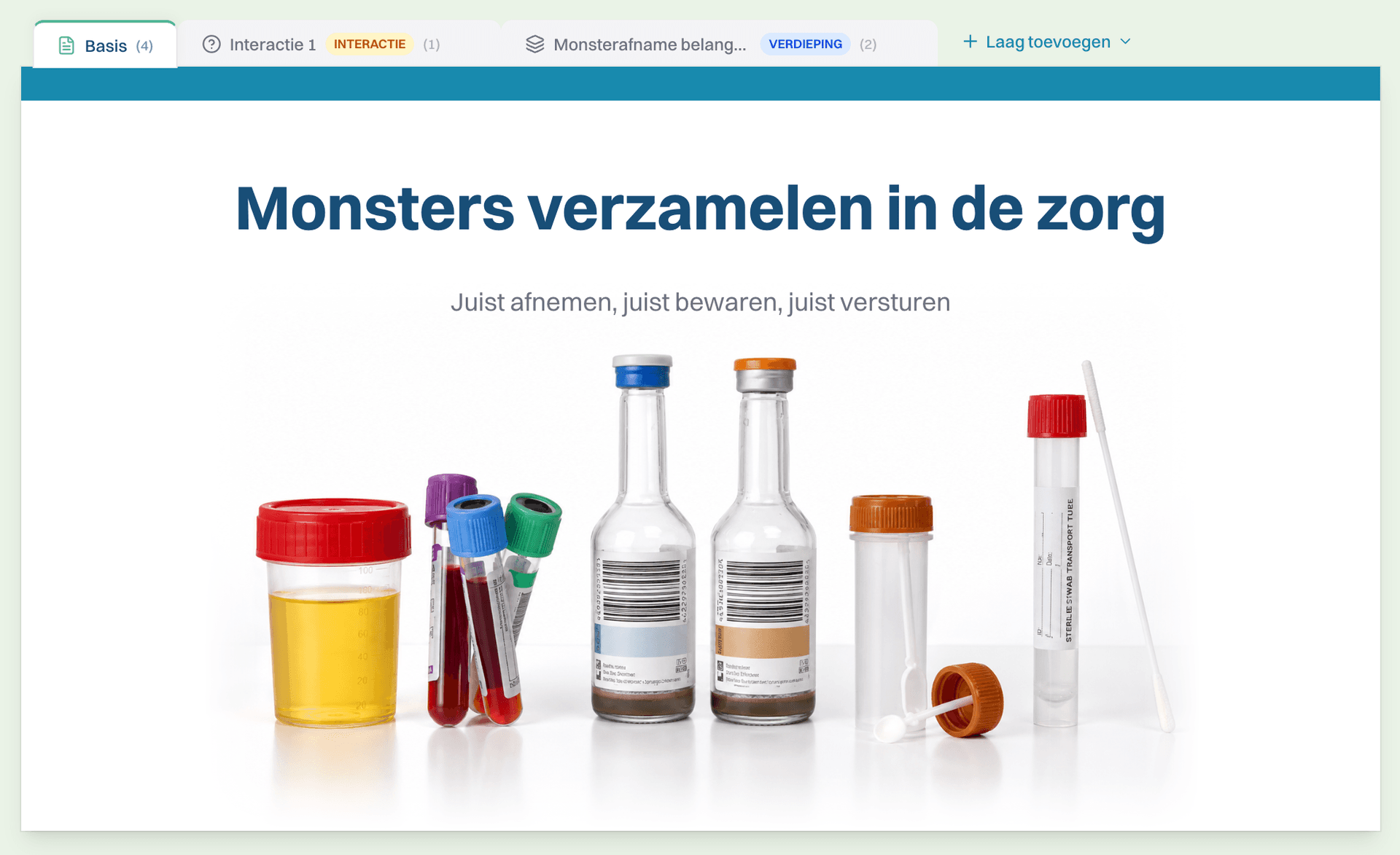
- Depth layers: basics, deep dive, interaction, feedback
- Real-time progress dashboard for the teacher
- AI feedback on student responses
Real-world example
Marieke gives a lecture on diabetes to 80 students. While explaining insulin, she opens a quiz question — within 30 seconds she sees which definitions are confusing and adjusts her explanation.
“At last I know during a lecture whether my students are engaged. No more eyes drifting to phones — those phones are now part of the lesson.”
Screenshot placeholder — appears as soon as /screenshots/feature-live-session.png is available.
Layered slides for different levels
Each slide can have a base layer plus optional deeper layers. Fast learners click through, others stay on the basics. One lesson, all levels.
- Base layer for everyone, depth for those who can take more
- Works in class and in self-paced learning-path mode
- Quiz questions per layer — formative assessment by level
- No separate preparation for MBO N2 / N3 / N4
- Meets didactic principles (scaffolding, Vygotsky)
Real-world example
Tim teaches anatomy to a mixed MBO class. Base layer: anatomy of the heart. Deeper layer: pathology. Expert: ECG interpretation. Fast students click through, slower ones stay on the basics — Tim changes nothing between lessons.
“I used to make two versions of the same lesson material. Now just one — LectaMe handles the differentiation itself.”
Screenshot placeholder — appears as soon as /screenshots/feature-layered-slide.png is available.
Quiz inside your presentation — not alongside it
Quiz questions appear at the right moment in your slides. No second tool, no browser-tab switching. Multiple choice, open questions, ranking, pin-the-spot.
- Multiple choice, open questions, ranking, pin-the-spot
- Real-time bar chart of answers
- AI generates questions based on your topic
- Per-student reporting visible in the dashboard
- Works for 1 to 500+ participants at once
Real-world example
Sander runs compliance training for new employees. After each module block he adds a 2-question quiz. He immediately sees which topics need revisiting — no post-training survey needed.
“Quizzes don't feel like testing — they're part of the explanation. Participants are more alert because they know a question is coming.”
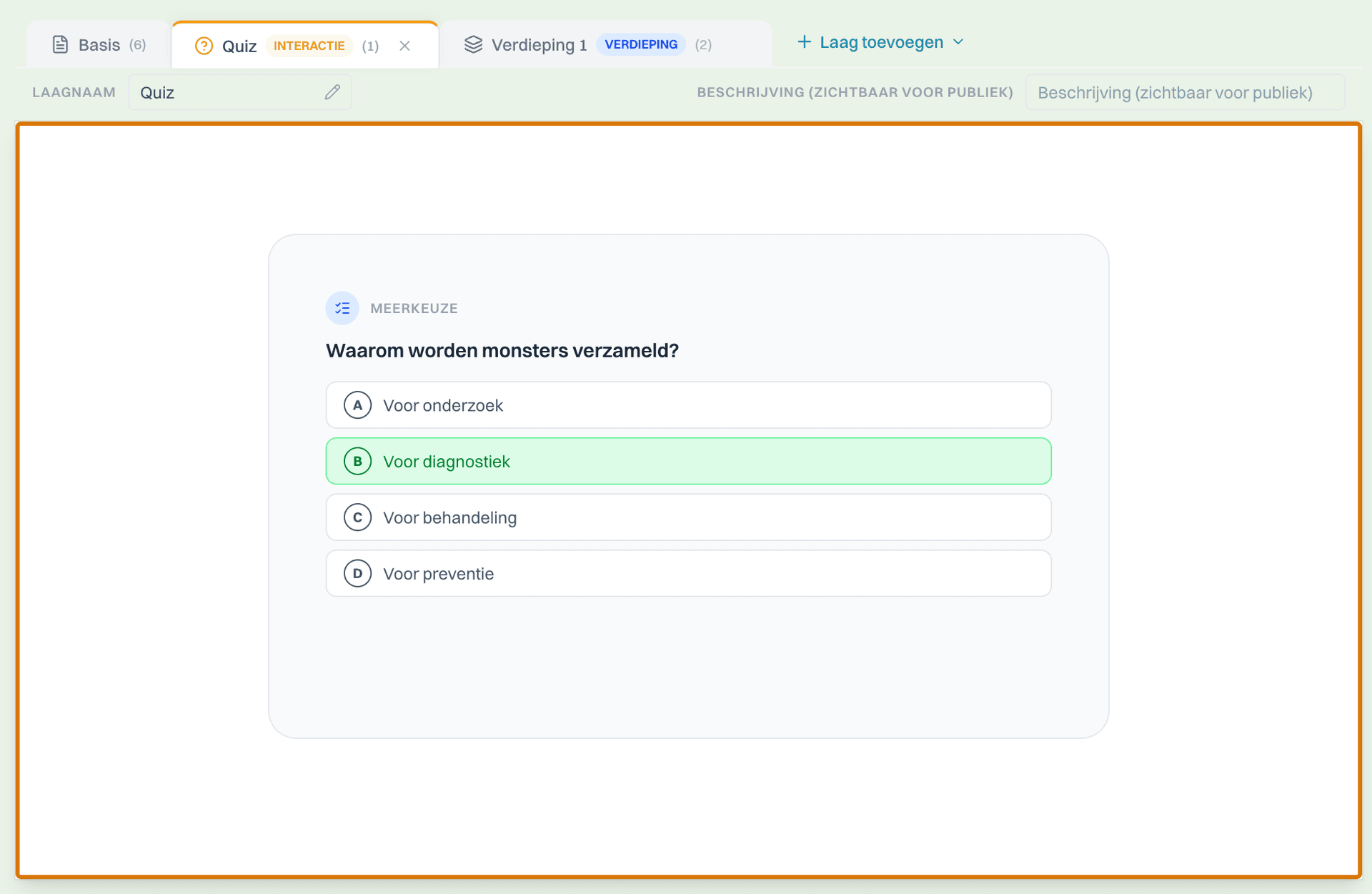
Screenshot placeholder — appears as soon as /screenshots/feature-quiz-result.png is available.
Polls and word clouds in the slides
Gauge opinions, brainstorm and activate prior knowledge without a separate tool like Mentimeter. Results appear in real time on your main screen.
- Polls (single and multi-choice)
- Word clouds for brainstorming
- Open questions for reflection
- Anonymous or with participant name — you choose
- Replaces Mentimeter — without tool switching
Real-world example
Esther starts a session on ethics with the poll: 'How often do you doubt a decision in your work?'. The answers set the tone for the whole lesson.
“One less tool in my stack. No more Mentimeter account for my students.”
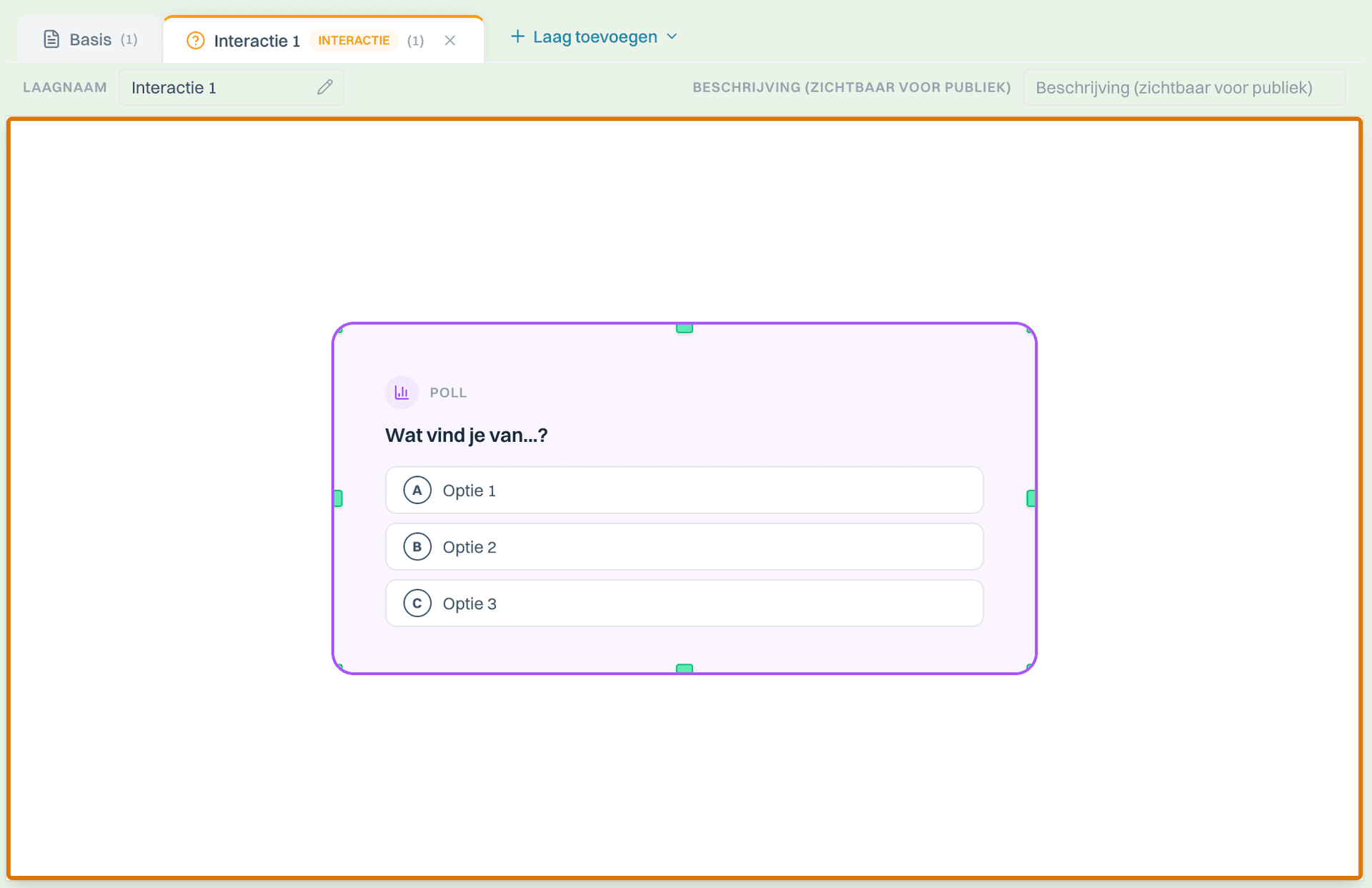
Screenshot placeholder — appears as soon as /screenshots/feature-poll-wordcloud.png is available.
Import PowerPoint — no double work
Already have a deck? Upload a .pptx and LectaMe converts your slides. Then you build interaction around them — polls, quizzes, layered depth.
- Drag-and-drop .pptx upload (max 50MB)
- Preserves text, images and basic layout
- Add LectaMe interaction to existing slides
- No Microsoft account required
- Works for decks from teachers, sales teams and founders
Real-world example
Joost has 4 years of lessons in PowerPoint. In one afternoon he imports his 12 most important decks and adds interaction to the top 3. Result: his students engage more without him having to start from scratch.
“My PowerPoint library isn't gone — it just gained interaction.”

Screenshot placeholder — appears as soon as /screenshots/feature-pptx-import.png is available.
Participants without an app, without an account
Students and participants join with a session code or QR. No download, no account, no email. Works on any phone, tablet or laptop.
- Browser-based — no Kahoot app, no Mentimeter account
- Works on iOS, Android, Chromebook, laptop
- Anonymous or with name — you choose per session
- GDPR-safe — students don't hand over an email
- Real-time updates without delay
Real-world example
A new intern joins a LectaMe session within 10 seconds. No onboarding, no account creation. For MBO teachers that saves 5 minutes per lesson.
“My students often lose their passwords. With a session code that's no longer an issue.”
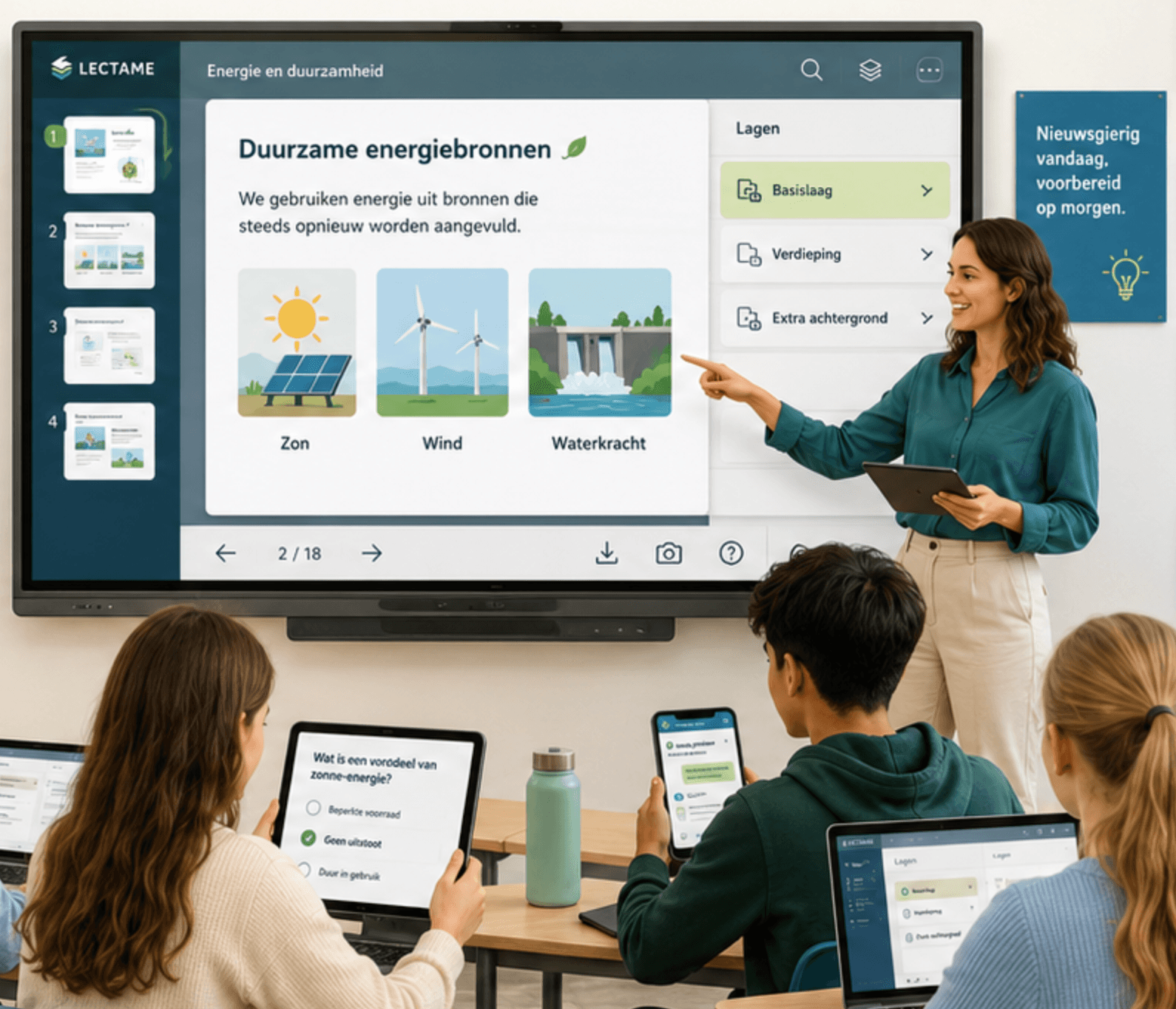
Screenshot placeholder — appears as soon as /screenshots/feature-student-mobile.png is available.
Didactic foundation: from constructive alignment to blended learning
GDPR compliant
Data on EU servers (Supabase). Data Processing Agreement available. Built-in cookie consent.
Analytics dashboard
View session statistics, participant numbers, and your most-used presentations.
Constructive alignment and scaffolding
Rooms and blocks translate your learning objectives directly into activating work formats, formative assessment and layered structure — the didactic principles from higher education built into every generated lesson.
Team collaboration
Share templates within your team. Consistent teaching material for the entire department.
In any browser, on any device
Open and present from laptop, tablet, or phone. Nothing to install — not for you, not for your students.
Export
Download slides as images. Present directly from the browser.
Try it yourself
Create a free account and generate your first lesson in less than 2 minutes.
Frequently asked questions
Hoe werkt AI-presentatiegeneratie in LectaMe?+
Je geeft een onderwerp, doelgroep en lestype (theorie, casus of quiz). De AI bouwt een complete presentatie volgens didactische principes (constructive alignment, scaffolding) met slides, uitleg, quizvragen, casussen en samenvatting in ongeveer 30 seconden.
Wat zijn gelaagde slides (layered teaching)?+
Elke slide kan een basislaag plus optionele verdiepingslagen hebben. Tijdens de presentatie verschijnen extra lagen alleen wanneer je ze openklapt — voor de hele klas of voor individuele deelnemers in een leerpad-modus. Werkt voor differentiatie binnen één les.
Welke interactie-elementen zitten in de slides?+
Multiple choice quizvragen, open vragen, polls, woordwolken, ranking-vragen en pin-the-spot (klikken op een afbeelding). Alle elementen verschijnen ingebed in de slides — geen tweede tool naast je presentatie.
Hoe joinen deelnemers een live sessie?+
Met een sessiecode of QR-scan. Geen account, geen app, geen e-mail. Werkt in elke browser op telefoon, tablet of laptop.
Kan ik PowerPoint-bestanden importeren?+
Ja. Importeer een .pptx-bestand en LectaMe zet de slides om. Daarna bouw je LectaMe-interactie (polls, quizzen, gelaagde diepte) eromheen — geen dubbel werk.